Guide pages
Getting startedThe interfaceBuildingLifts & pistesGuests & seasonsOperations & safetyEvents, guests' stories & the regionMoneyCareer & scenariosAchievements & cosmeticsRide, Walk & PhotoSettings & accessibilitySaves, offline & installTroubleshooting & FAQGlossaryKeyboard shortcutsRide, Walk & Photo
Get close to the action: ride along with a guest, walk in first person, and take photos.
These three modes put the camera at ground level. They are read-only: they never change your resort, and when you leave them the camera returns exactly to where it was.
#Ride along
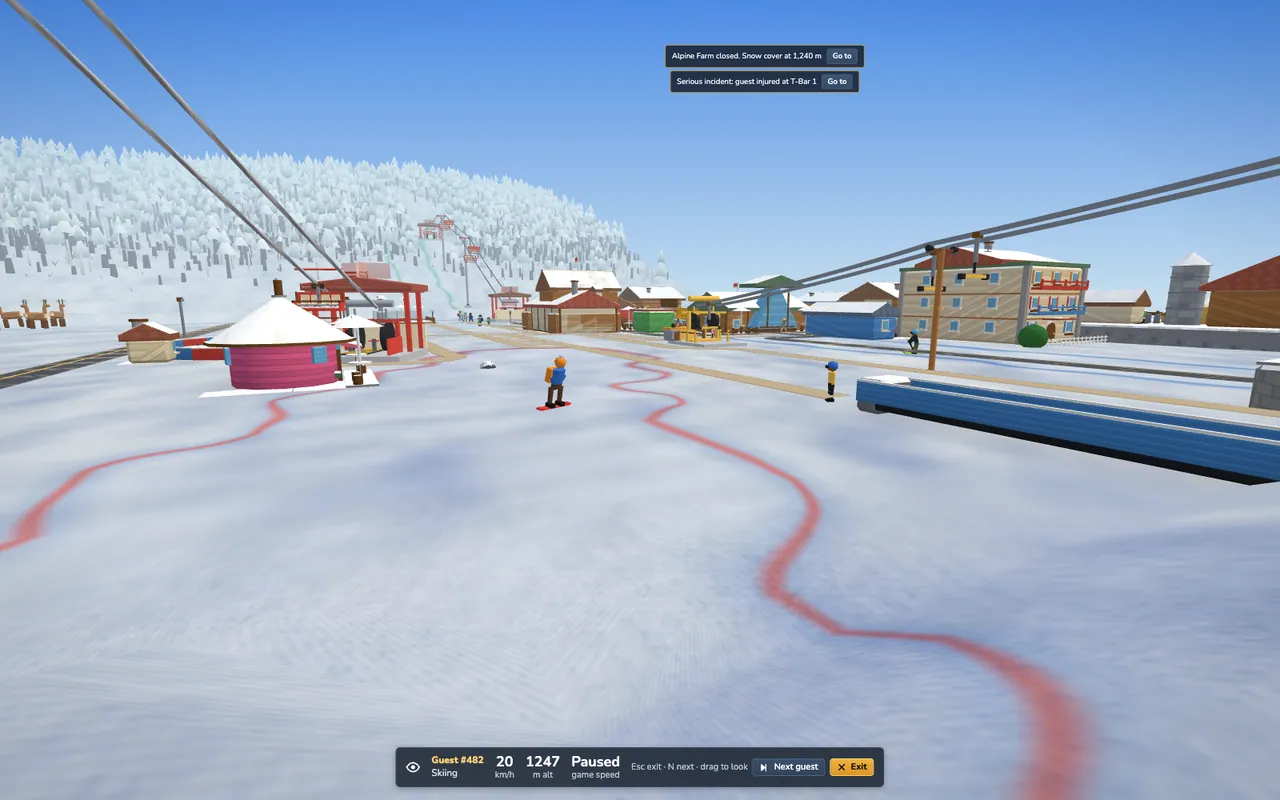
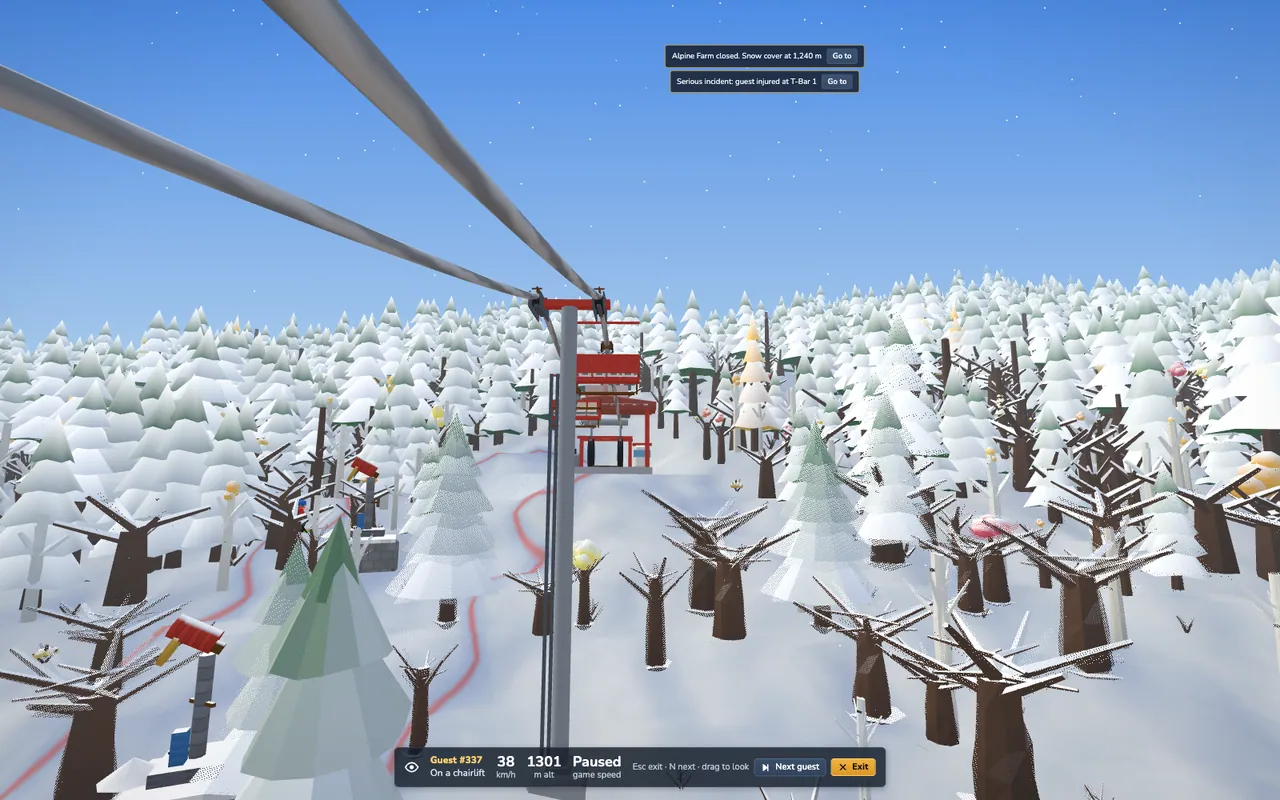
Click a guest, then Ride along in the inspector. You see the world from their eyes: skiing down a piste, gliding up a lift or walking to the lodge.
- N hops to the next guest, C recentres your view.
- Drag to look around, wheel to change the field of view.
- Esc exits. Speed keys (Space, +, -) still work.
- By default the game runs in slow motion while you ride, otherwise a run would be over in a second. You can switch this off in Settings.
#Walk mode
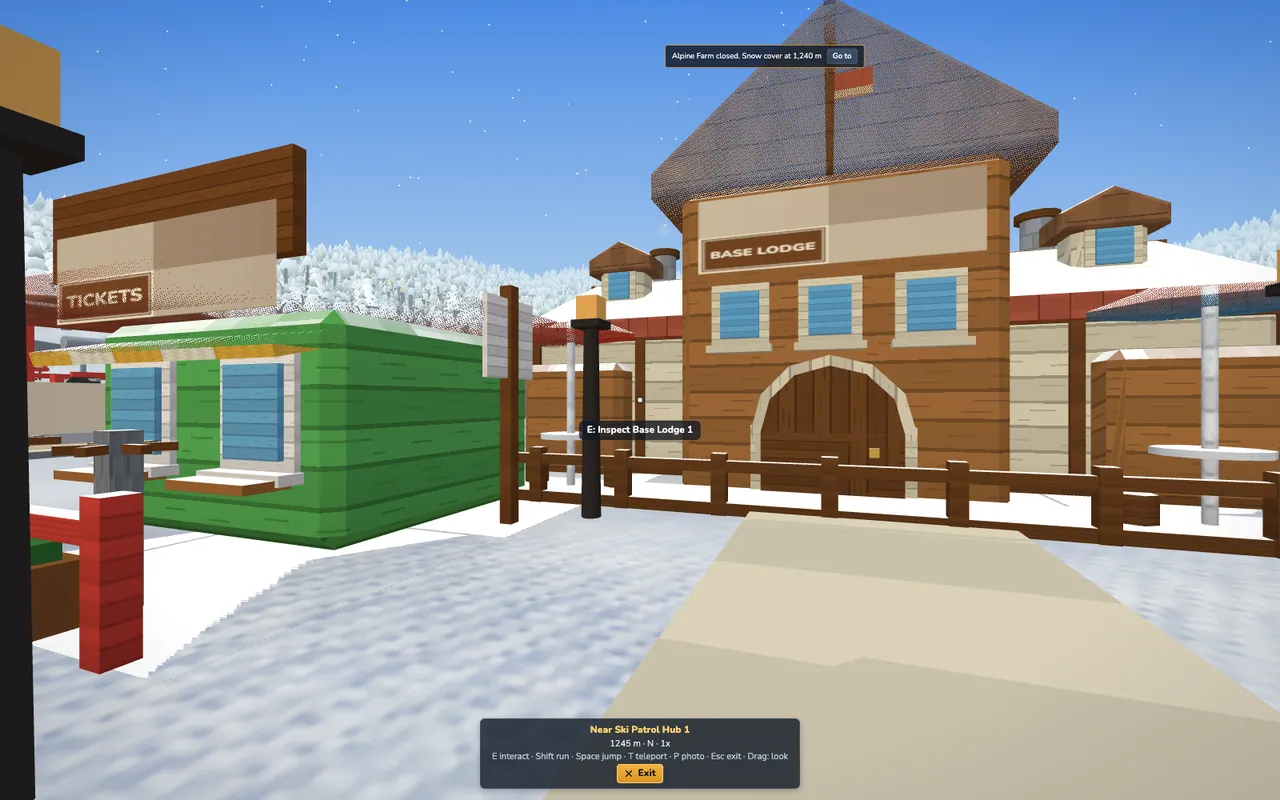
Press V and you are standing on the nearest footpath. Walk with WASD, hold Shift to run, press Space to hop.
- Look by holding the left mouse button and dragging (the cursor is never captured). If you prefer, Settings → Walk: mouse look can switch to pointer lock, where hold Alt frees the mouse.
- E interacts: inspect the building or guest in front of you, or board a lift at its bottom station for a scenic ride (you are not a guest, so nobody charges you or queues).
- Shift+V lets you choose the start: a figure follows your cursor and a ring shows whether the tile is walkable (green) or blocked (red: you will be dropped at the nearest free spot). You can also drag the little walker button onto the map.
- T teleports: back to the bird's-eye view to choose again.
- V or Esc leaves walk mode.
#Photo mode
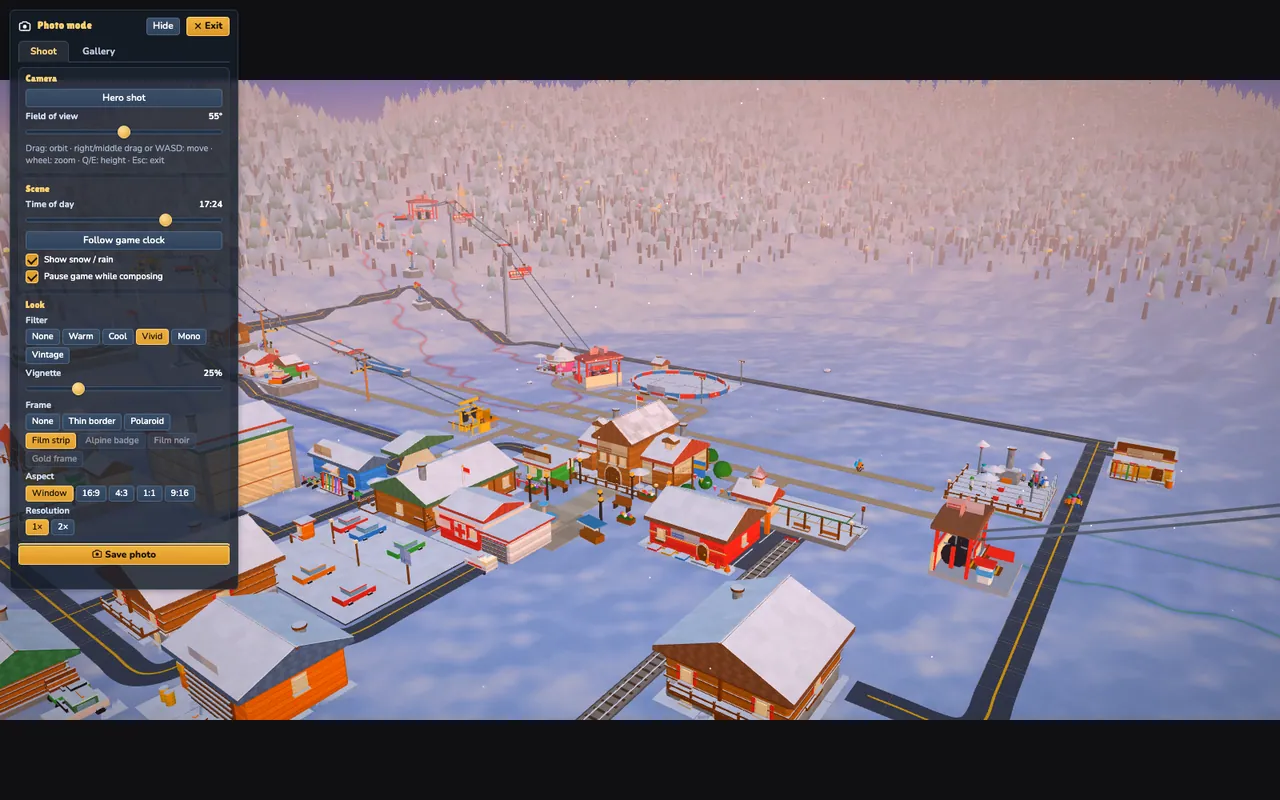
Press P (or the camera button) from the normal view, a ride-along or a walk. Orbit with the mouse, move the focus with WASD, raise and lower it with Q/E. The panel offers filters, frames (some are unlocked by trophies), aspect ratio, vignette, field of view and the time of day, so you can fake a golden hour.
Press Enter to save the photo: it downloads as a PNG to your device. Nothing is uploaded. P or Esc exits.