Guide pages
Getting startedThe interfaceBuildingLifts & pistesGuests & seasonsOperations & safetyEvents, guests' stories & the regionMoneyCareer & scenariosAchievements & cosmeticsRide, Walk & PhotoSettings & accessibilitySaves, offline & installTroubleshooting & FAQGlossaryKeyboard shortcutsGetting started
Your first ten minutes: start a game, build a lift, paint a piste and open for business.
Welcome to Slope Tycoon! You run a small mountain resort. Guests arrive by car, buy tickets, ski your slopes, eat in your restaurants and tell the world what they think. Your job is to keep that loop humming through every season.
#Start a game
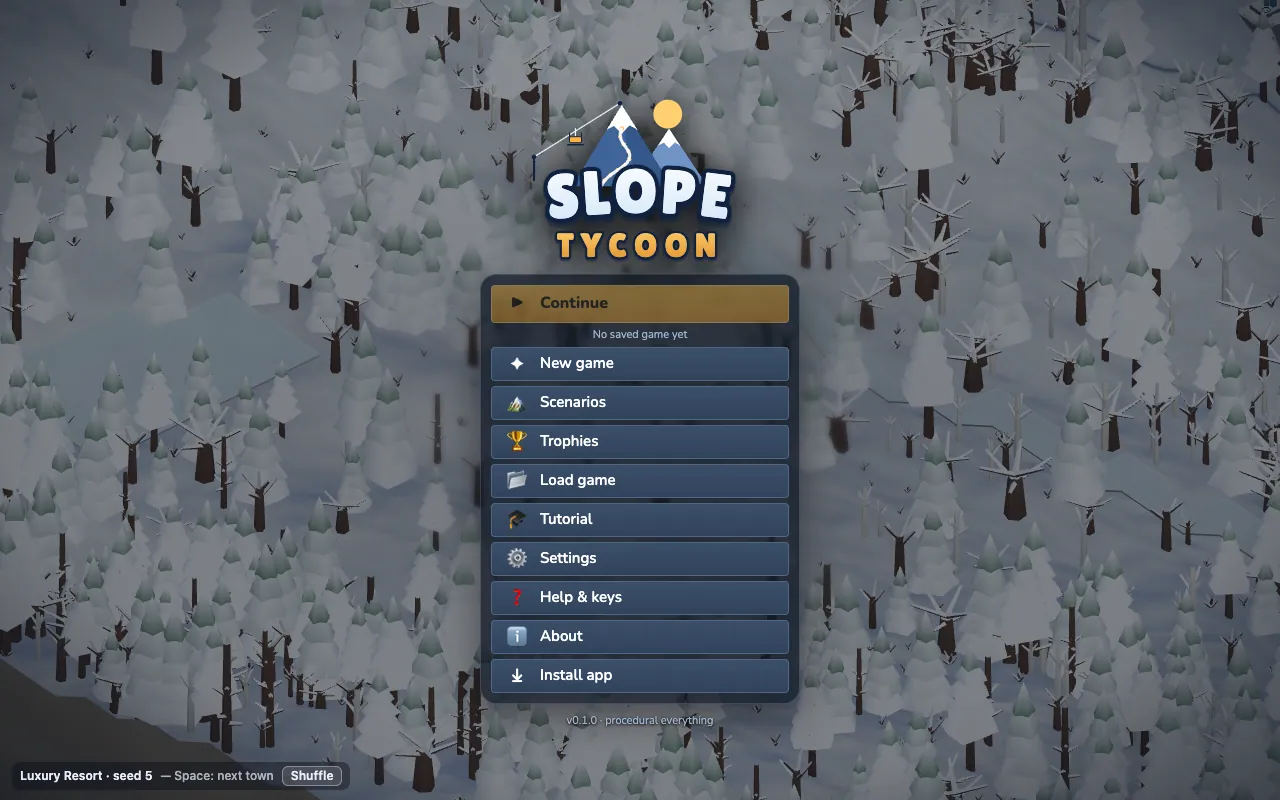
The title screen shows a live demo village. Pick New game (or Scenarios for a handcrafted challenge).
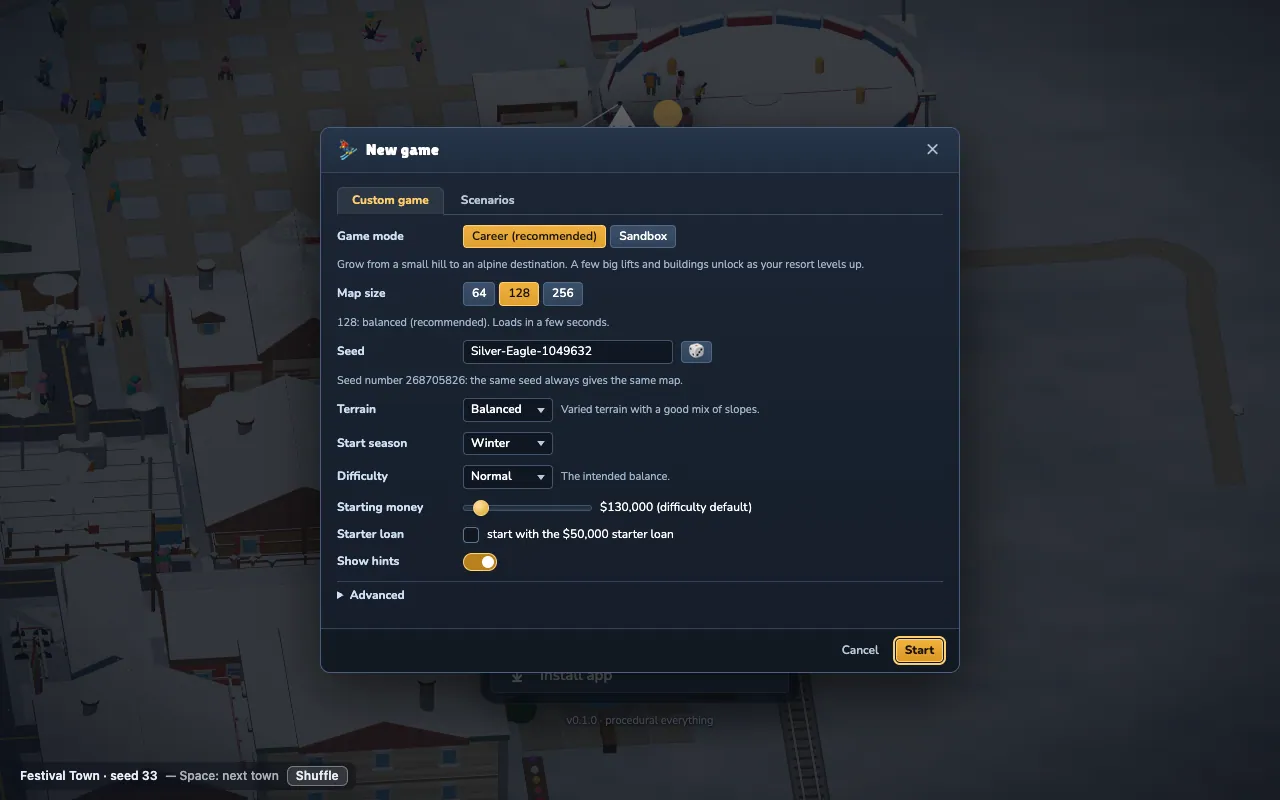
- Career (the default) levels your resort up over time. A few big lifts and buildings unlock as you grow. Recommended for your first game.
- Sandbox unlocks everything from day one. Goals are optional.
- Choose a map size (small 64, medium 128 or large 256 tiles), a start season, a difficulty and, if you like, a seed for a particular valley.
#Your first ten minutes
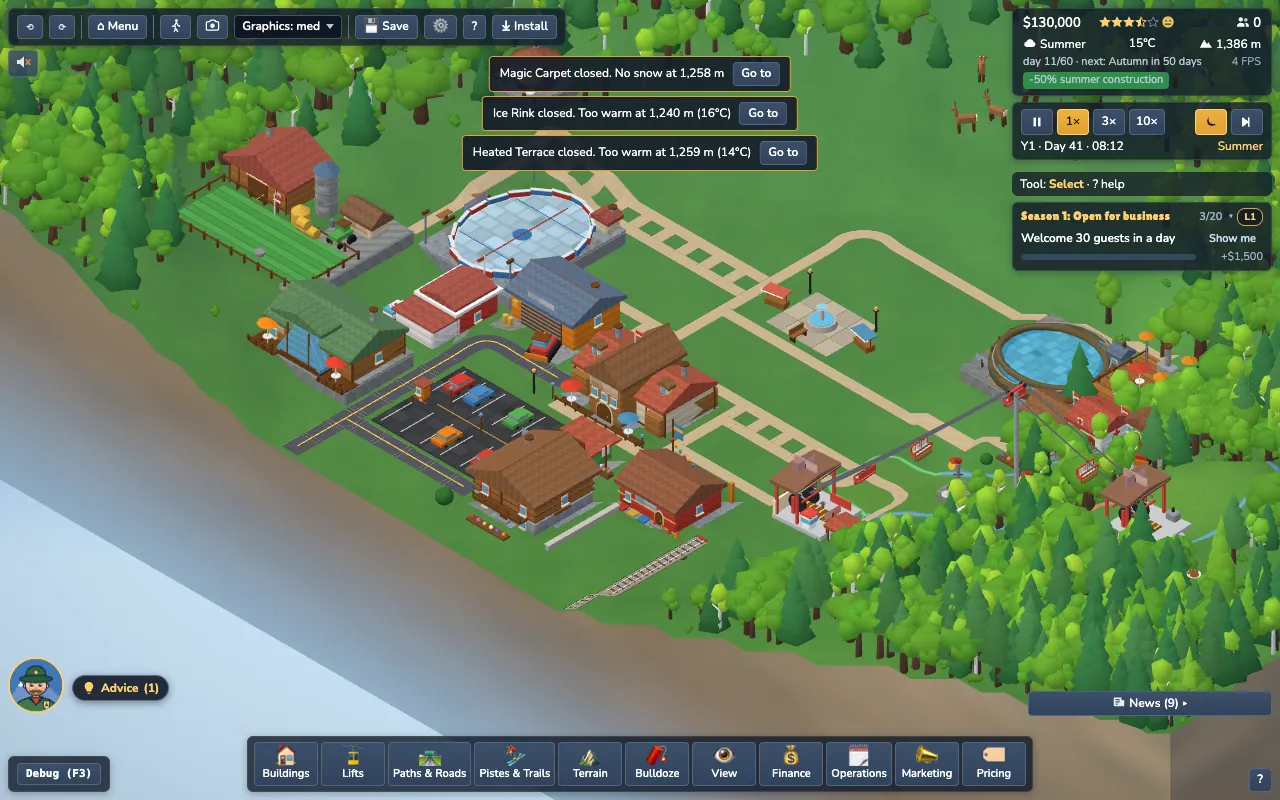
The screen is a small valley with a Base Lodge, a road and a real Parking lot (there is no decorative car-park pad: every car park is a Parking building you can inspect, and its capacity counts). Everything you build comes from the dock along the bottom. Every part of the screen is explained in The interface.
- Build a lift. Open the Lifts drawer and pick a T-bar (the cheapest) or a 2-seat chairlift. Click where the bottom station should go, then where the top station should go. If the game says the line is too steep or the cable would hit something, move it a little. See Lifts & pistes.
- Paint a piste. Open Pistes & Trails, choose a green (easy) piste and drag from the top of the lift down the slope. Pistes must connect to a lift station to count.
- Connect the village. Guests walk from the Base Lodge to the bottom station. Draw a footpath between them. Buildings without a connection are marked Not connected.
- Add the basics. A Ski Patrol Hub and a First-Aid Hut (Buildings → Safety) keep guests safe. A restaurant or café feeds them.
- Press play. Time runs at 1× by default. Watch the first guests arrive, queue and ski.
#Let the game guide you
- The goals card (top right) lists three goals at a time. Click Show me and the camera flies to where you need to look. If there is nothing to point at yet (for example you have not built the thing), it opens the right drawer on the right card instead and highlights it.
- Ranger Rudi (bottom left, the Advice badge) answers “what should I do next?” using your actual resort. He never builds or spends anything for you.
- The tutorial can be replayed from the Help dialog.
#Save early
Press F5 to quick-save and F9 to quick-load. The game also autosaves every in-game month. More in Saves & offline.